



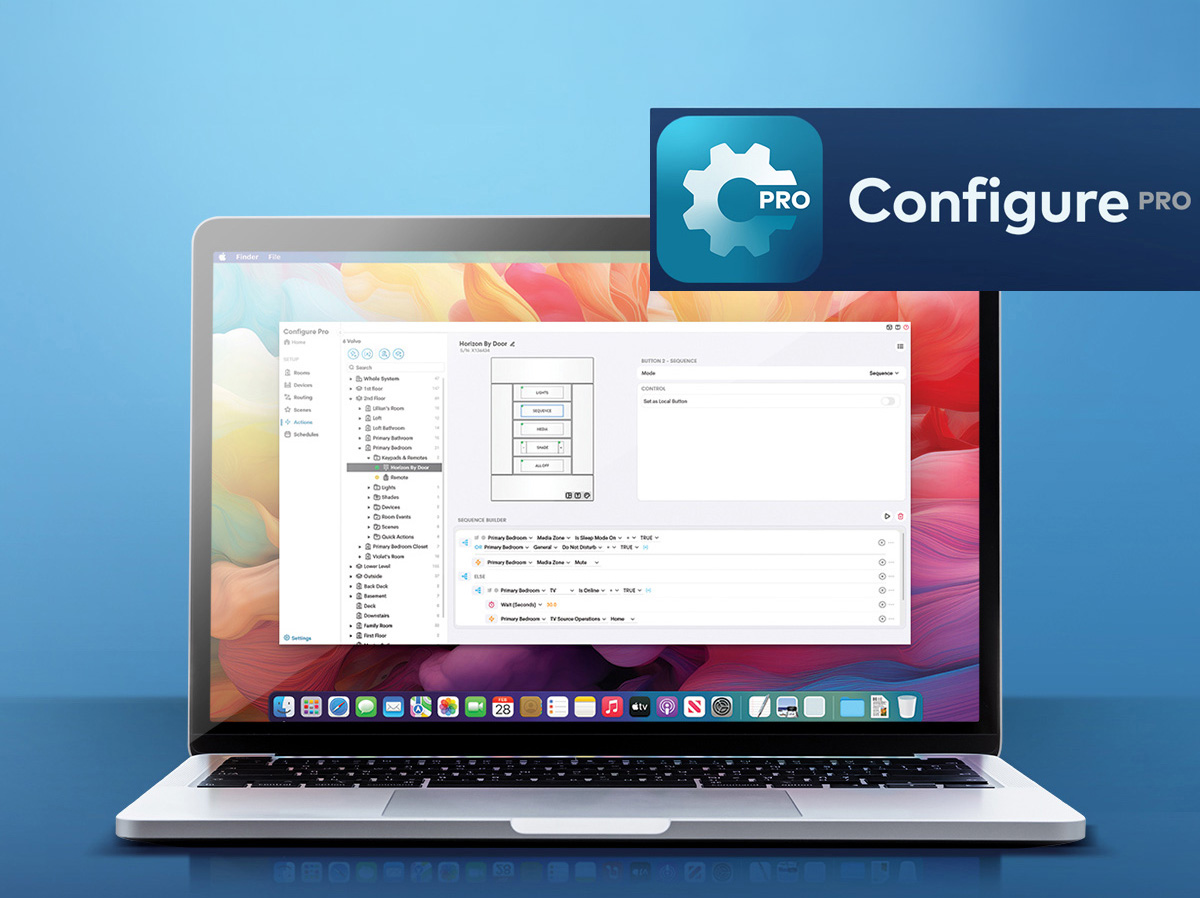
Crestron Electronics, a global leader in smart home and home automation, announced this week that Configure Pro, originally announced a few months ago, is now available. This is great news for Crestron integrators, as the all-new system configuration platform is a substantial upgrade over the previous Crestron Home Setup application and offers greater approachability, easier and faster operation for more efficient and consistent installations, and so much more.
See more on the all-new Configure Pro…
I first wrote about Configure Pro some months ago, when Crestron offered Strata-gee an in-depth preview of the dramatically improved system configuration application. This was not, I noted at the time, just the same old Home Setup application with a fresh face. It was a wholesale change that completely revamped the process of configuring a Crestron Home installation.
I was instantly drawn to the interface, in which each screen was so logically laid out that it felt intuitive. During the preview, Brad Hintze, Crestron’s Executive Vice President of Global Marketing, said the company approached the Configure Pro platform with the goal of making it more “approachable.” That’s a great word, because it captures the feeling you have as you first view it. Home Setup, an application that I have used, is also a great tool, but you have to learn some of its peculiarities – the unique ways it operates – before you are fully productive with it.




Makes Sense the Moment You Launch It
In the case of Configure Pro, the application’s layout just makes so much sense from the moment you launch it. As the company’s announcement notes, “…Configure Pro simplifies system configuration through standardized, no-programming workflows that reduce setup friction, shorten training cycles, and help dealer teams maintain consistency across projects as their businesses grow.”
The best smart homes start with the best tools. Configure Pro was built to support the professionals who bring Crestron Home experiences to life every day. It gives dealers a faster, more intuitive, and more scalable way to deliver exceptional systems while preserving the flexibility and craftsmanship that define a true Crestron home.
Michael Short, Crestron Vice President, Marketing Operations & Residential
See A Deep Dive Preview from Strata-gee
To get a fuller picture of all that Configure Pro offers, I really suggest you read my previous article, which was based on the in-depth preview and demo I received some months ago. In that article, you can click on the screenshots to expand the image and get a clear picture of what each section does. Each screen is so well designed.

How smart is the Configure Pro design? It’s so smart that sometimes confusing or complicated tasks, such as signal routing, or keypad programming, or sequence building, are graphical, logical, and…well, easy!
Accomplish More, Faster, With Multiple Users at One Time
So much of Configure Pro is refreshingly smart. Consider this: you can have multiple users independently working on the same project at the same time. So, for example, one of your team members can be setting up and configuring lighting and shading, while, at the same time, another team member is setting up and configuring the AV systems. It’s brilliant! And easy! And efficient!


Yes, it’s intuitive…yes, it’s easy, but don’t make the mistake of thinking that Configure Pro is de-featured. It can accomplish all of the programming, routing, and multi-stage sequencing of the most sophisticated systems. The brilliance of the interface is that Crestron engineers and programmers designed a graphical, logical, step-by-step process that makes complicated processes feel simple…like A, B, C.

Speeding Configuration by Removing ‘Friction’
Dealer time is valuable, and every minute spent searching, correcting, or waiting on another team member is time that could be spent moving the project forward. Configure Pro is designed to remove those small points of friction that add up across a real installation. It helps technicians work confidently, helps teams collaborate more efficiently, and helps business owners protect quality as they scale.
Michael Short
The company took over a year designing, creating, programming, and testing Configure Pro to make sure the new design was as approachable and intuitive as it planned. This included an extensive beta testing program with dealers in actual system installations. This provided a real-time success/fail check. The design team at Crestron learned much from the dealer beta test, forcing them to further simplify processes and prioritize features designed for real-world installation scenarios.

Configure Pro is all of this and so much more… Check it out!!
Configure Pro Training Resources for Dealers
In order to help turbocharge dealer adoption of the new Configure Pro platform, the Crestron Technical Institute is offering dedicated Configure Pro training resources. These resources include self-paced content and live educational sessions built to get your teams productive with the application quickly.
Configure Pro is available now for Crestron Home dealers. Learn more by visiting www.crestron.com/configurepro.



Leave a Reply